

 MCP
MCP A2A
A2AFind your tenant subdomain
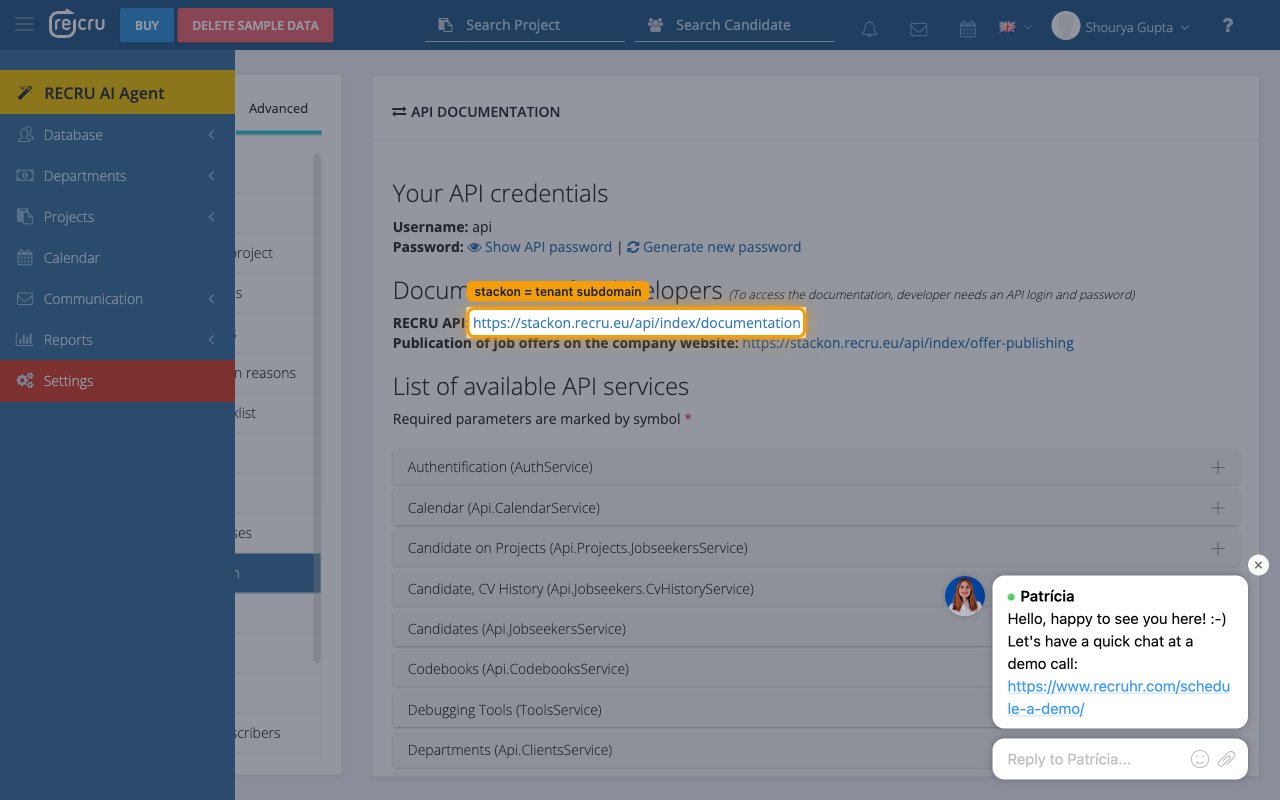
Your Tenant is the subdomain of recru.eu that identifies your RECRU instance. StackOne Hub builds every API request against https://{tenant}.recru.eu, so this value must match the host you sign in to.
- Sign in to RECRU and check the URL in your browser address bar — the format is
https://{tenant}.recru.eu. - If your URL is
https://mytenant.recru.eu, your tenant ismytenant. - Enter the tenant lowercase, with no dots and no
.recru.eusuffix, in the Tenant field in StackOne Hub.
Linking the Account from the Hub
Navigate to the Hub
Use one of the three Linking Account Methods to access the Hub.
If the account linking is successful, you will see the newly linked account in your Accounts page.