

Before you start
- A StackOne project you are a member of.
- A connector profile in the project for each provider the client should reach, with the actions you want exposed enabled.
- (Optional) A linked account for each provider. Accounts can also be linked during the consent flow.
Connect StackOne
1
Add the server to Codex
~/.codex/config.toml by hand:2
Sign in and authorize
Run: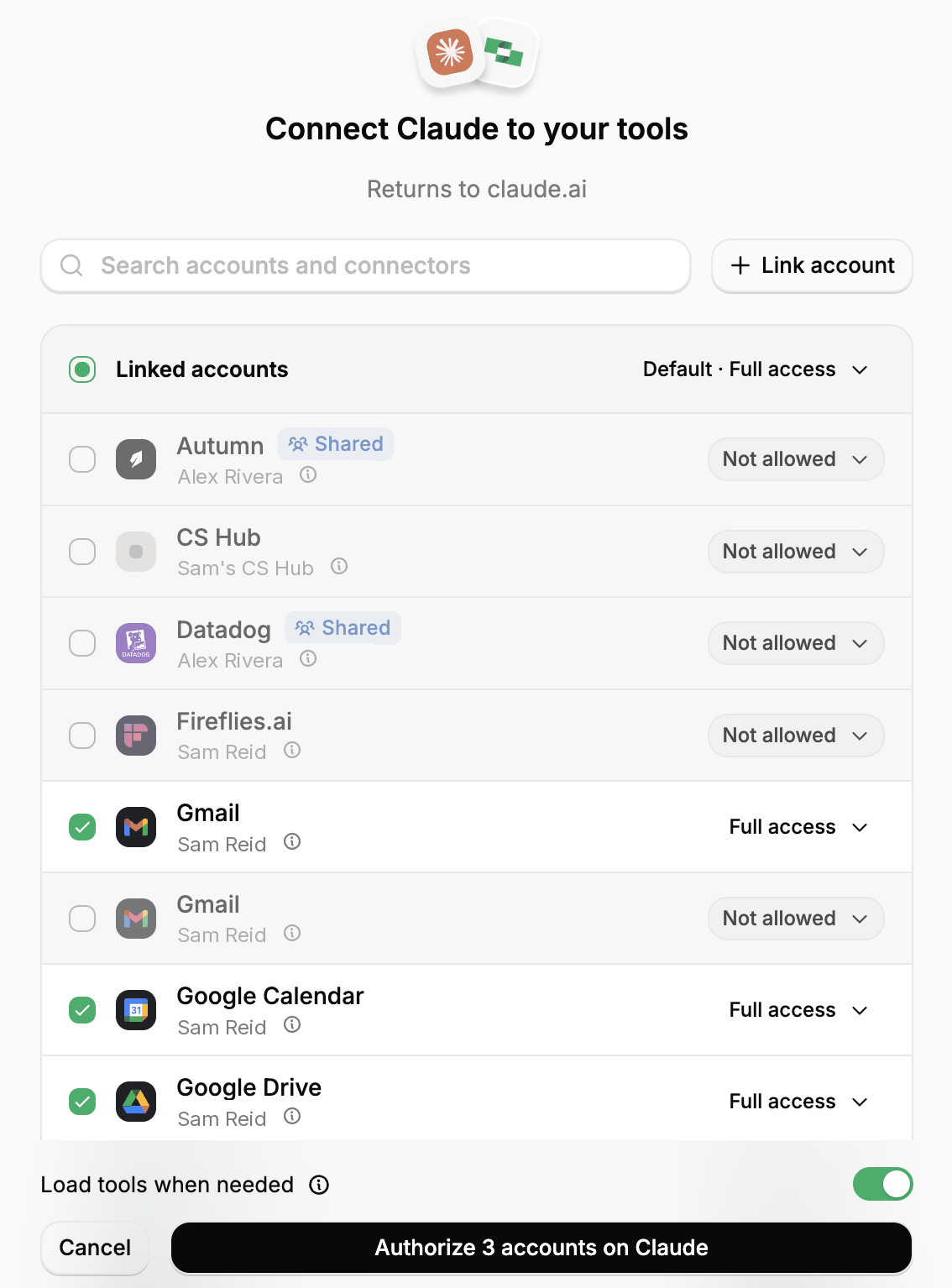
- Sign in to StackOne. In a desktop app or code editor, this opens in your browser.
- Check the project at the top left. Codex only reaches Linked Accounts in that project. To use another one, click it and pick yours.
- Pick the work systems Codex can use (your Linked Accounts).
- If you see Load tools when needed, leave it on.
- Click Authorize.
3
Check it works
Run
codex and ask:Add or change accounts
Add or change accounts
Codex reaches only the Linked Accounts you approved when you connected. To add one you link later, or one someone shares with you afterwards:To review or revoke the connection, use the same ⋮ menu in Connected Apps.
1
Open Connected Apps
In the StackOne dashboard, go to Connected Apps.
2
Edit the connection
- Open the ⋮ menu on the row for Codex and select Edit tool access.
- Select the Linked Account.
- Click Save changes.