

Get Your Fivetran API Credentials
To connect Fivetran with StackOne, you’ll need to generate an API key and secret from the Fivetran dashboard. This assumes you are an Account Administrator in Fivetran.
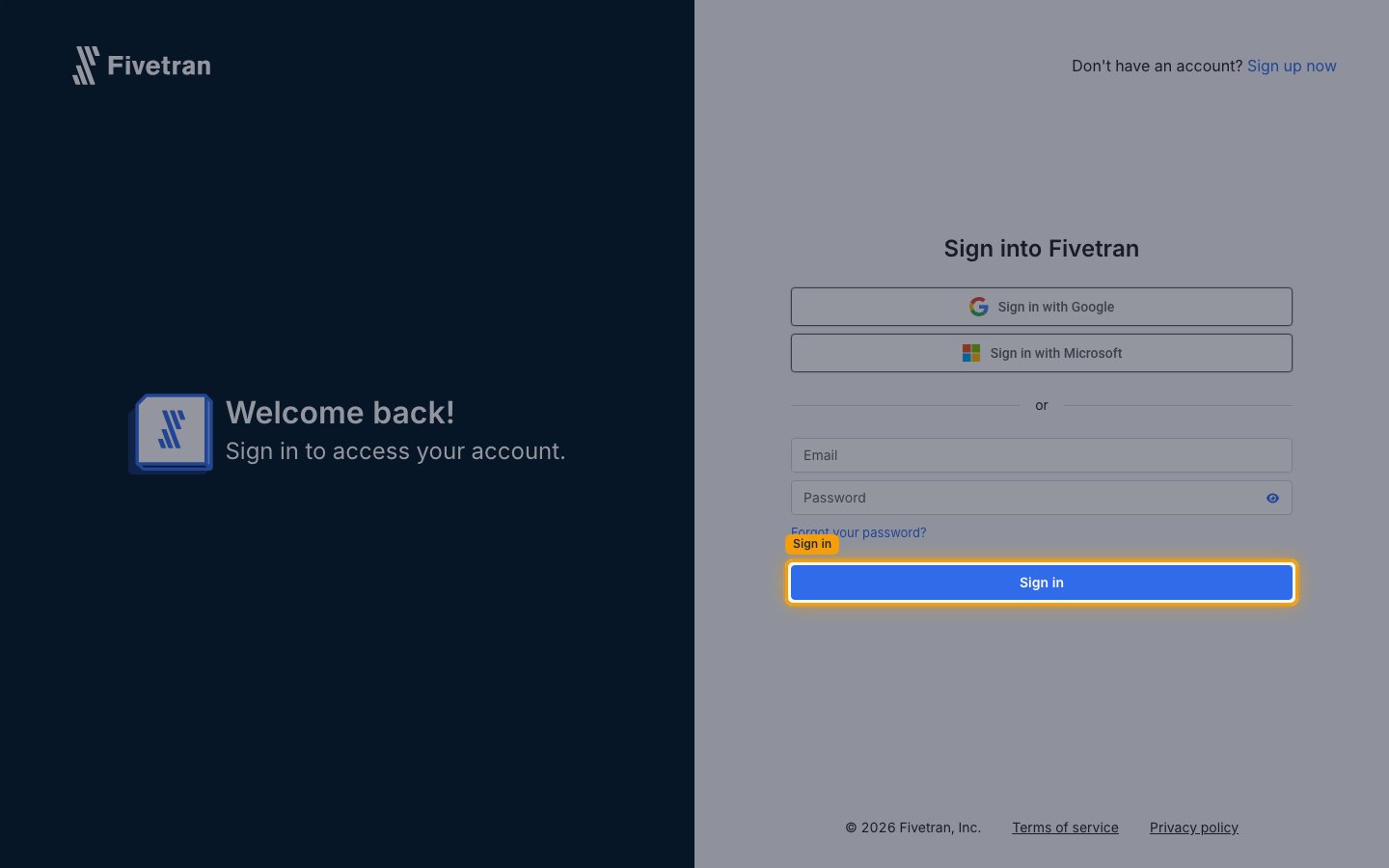
Log in to Fivetran
Log in to your Fivetran account.
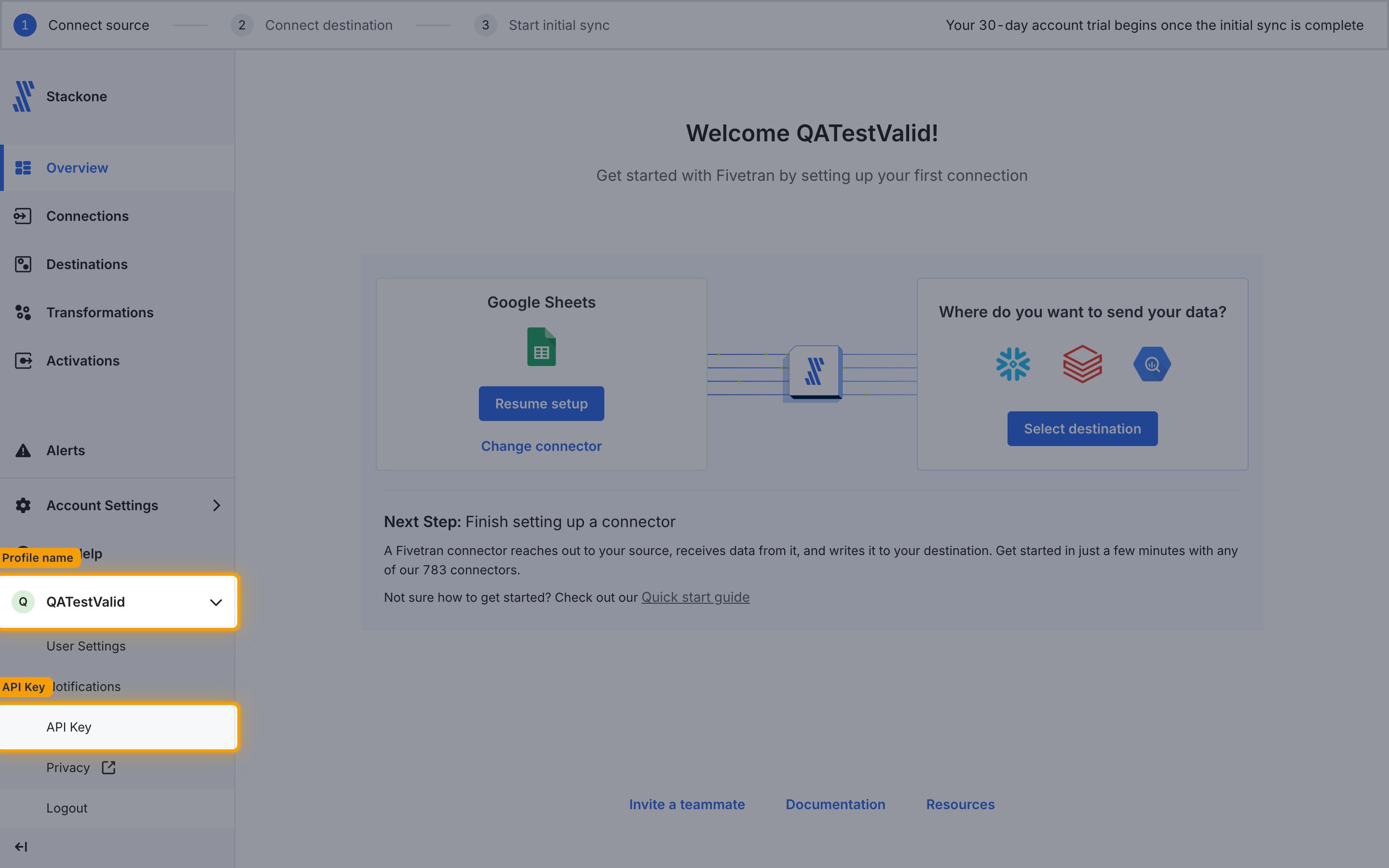
Navigate to API Key
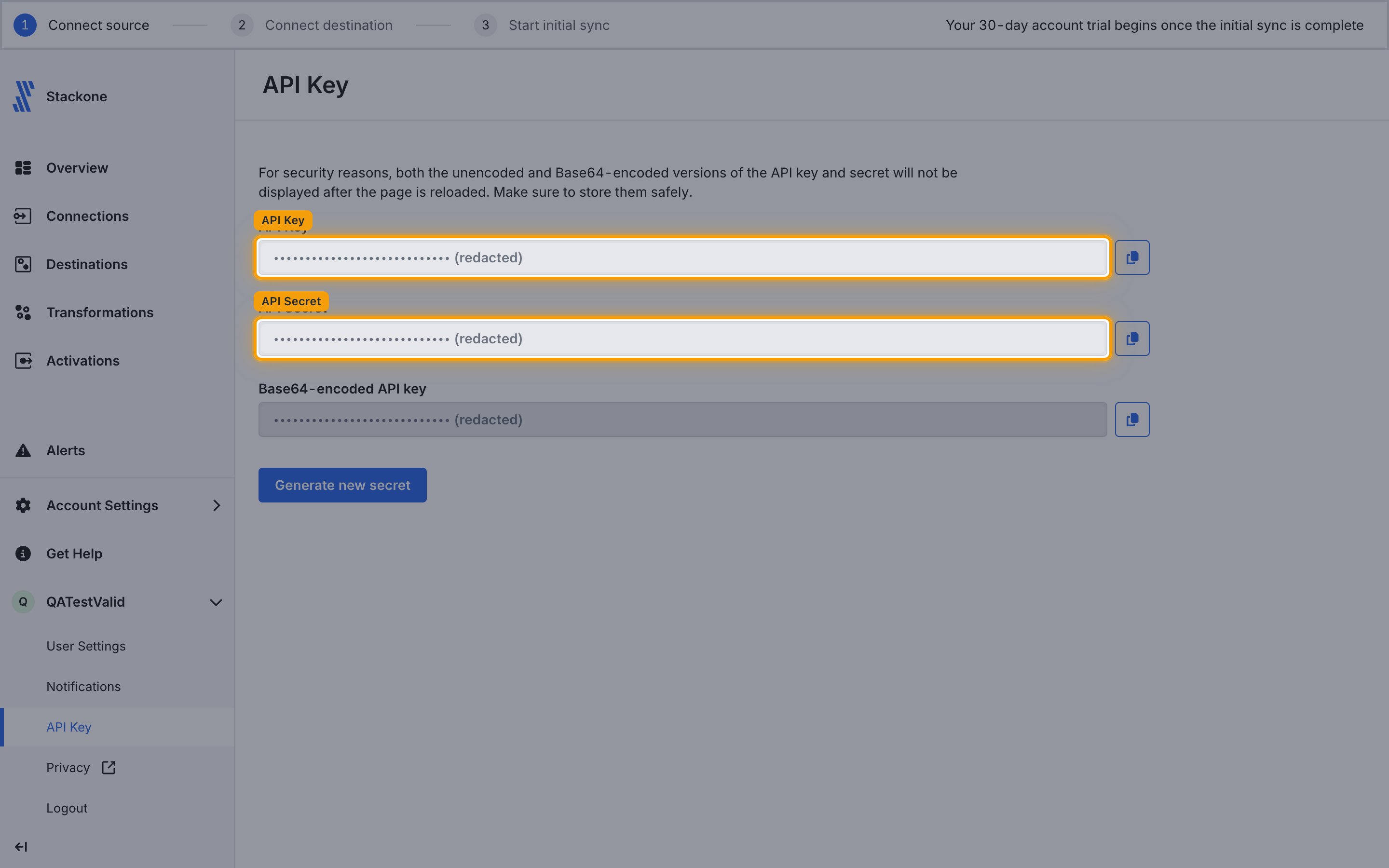
Click your Profile name in the bottom left, then click API Key.
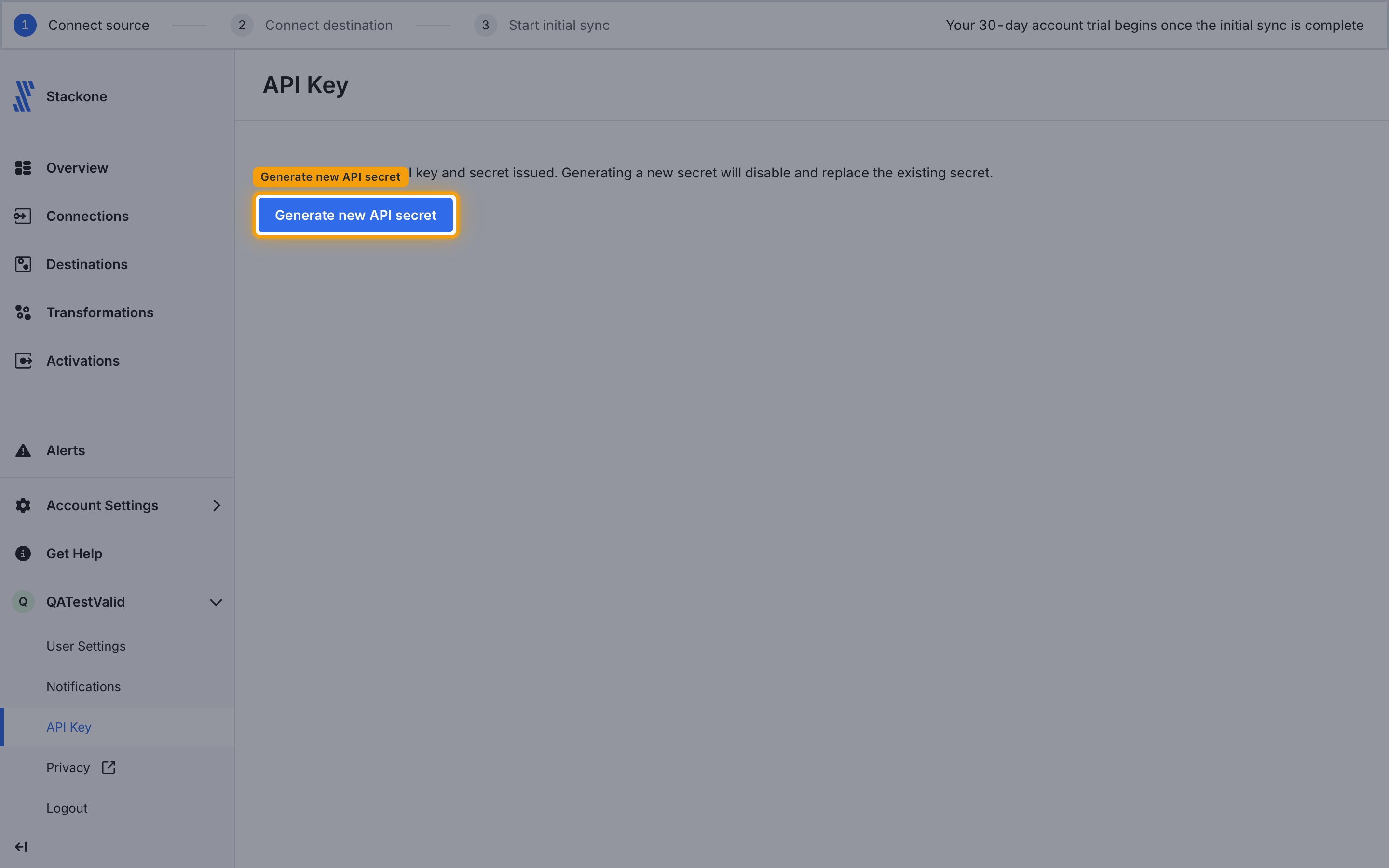
Generate new API secret
Under API Key, click the Generate new API secret button.
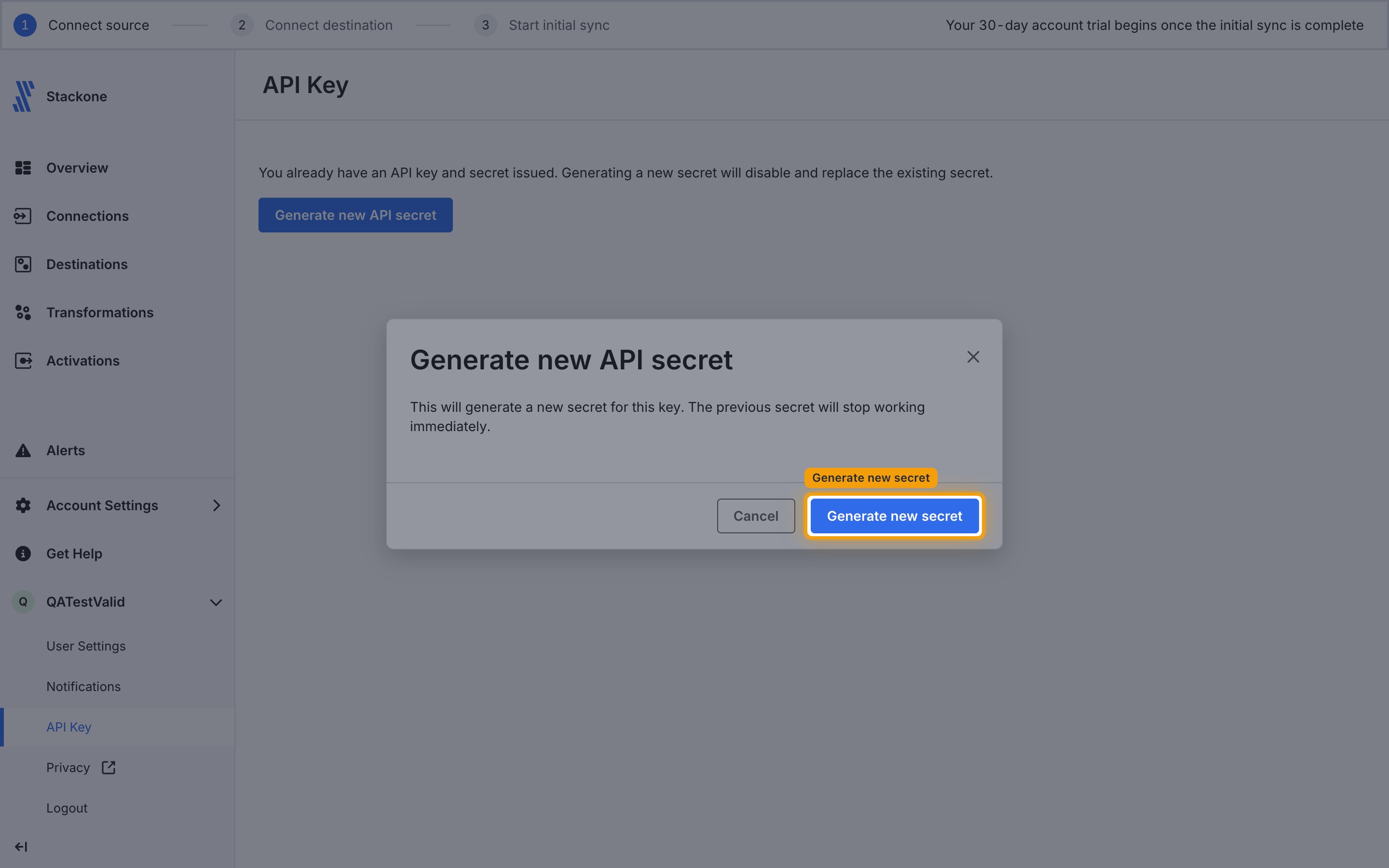
Confirm the new secret
A confirmation dialog appears, warning that generating a new secret will stop the previous secret from working immediately. Click Generate new secret to confirm.
Copy API Key and Secret
Copy your displayed API Key and API Secret and store them securely for use later.
- Your API Key is a 16-character hex string (e.g.,
d9c4511349dd4b86) - Your API Secret is a 32-character hex string (e.g.,
1f6f2d161365888a1943160ccdb8d968) - ⚠️ The API secret is shown only once — it disappears when you close the page or navigate away
Linking the Account from the Hub
Navigate to the Hub
Fill out the fields
- API Key
- API Secret
Connect
- Click Connect
- If applicable, the provider will redirect you to a sign-in or authorization page. Complete the provider’s authorization flow.
- Once authorization is successful, you will see a confirmation popup
If the account linking is successful, you will see the newly linked account in your Accounts page.
Next Steps
Webhooks setup
Configure receiving Events for Fivetran into StackOne.